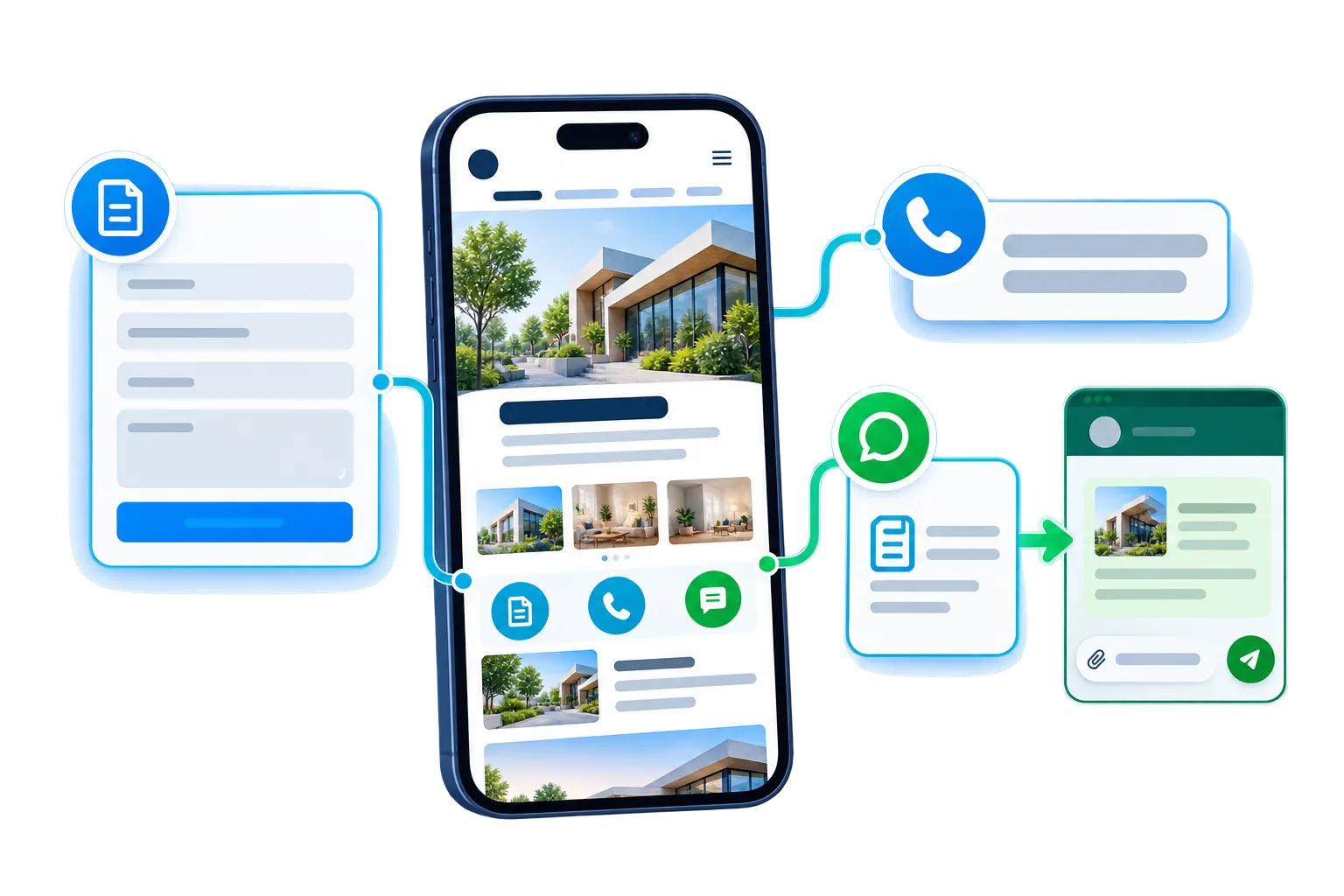
With a website contact form, WhatsApp handoff and click-to-call, visitors can reach your business without hunting for contact details. SiteSeas brings these website contact tools together with relevant map and social links, so people can choose the right way to connect. When configured for a contextual enquiry, SiteSeas saves the website enquiry and relevant interest before opening a pre-filled WhatsApp chat for the visitor to send.
Different visitors are ready for different kinds of conversations. The right business website contact options depend on what the visitor needs next, so a good website should make the most useful action easy to find without crowding every page with every possible choice.
Use a configured website contact form when the visitor needs to share details before your team responds. The form can collect the information required for that enquiry flow while keeping the next step clear and structured.
Where WhatsApp handoff is configured, SiteSeas stores the website enquiry first and then opens a pre-filled WhatsApp chat. The visitor still sends the WhatsApp message. This keeps useful website context available before the conversation moves into WhatsApp.
A click-to-call action gives mobile visitors a direct way to phone your business without copying a number. It works well when the visitor is ready to speak and does not need to complete a detailed enquiry first.
Where relevant, configured map and social-profile links can help visitors find or follow the business. SiteSeas also supports a themed Digital Business Card at a website URL slug; visitors can download it to a phone and save it to contacts. These remain supporting options alongside the main enquiry path.
Contact should not depend on a visitor reaching one specific page. SiteSeas can place a consistent contact experience in useful positions so visitors have a clear next step while they browse. These placements are managed through a coordinated SiteSeas setup so the contact experience can stay consistent instead of becoming a collection of unrelated forms.
Use a clear enquiry CTA when a page or section should lead naturally to an enquiry. It brings the next action closer to the visitor instead of making them leave the page and search for contact details.
Keep the main contact details and enquiry path where visitors already expect them. This remains the standard destination for general enquiries, business locations and other configured contact information.
A footer contact option gives visitors a dependable route to reach the business after they finish reading. It keeps basic contact access available across the website without repeating large contact sections on every page.
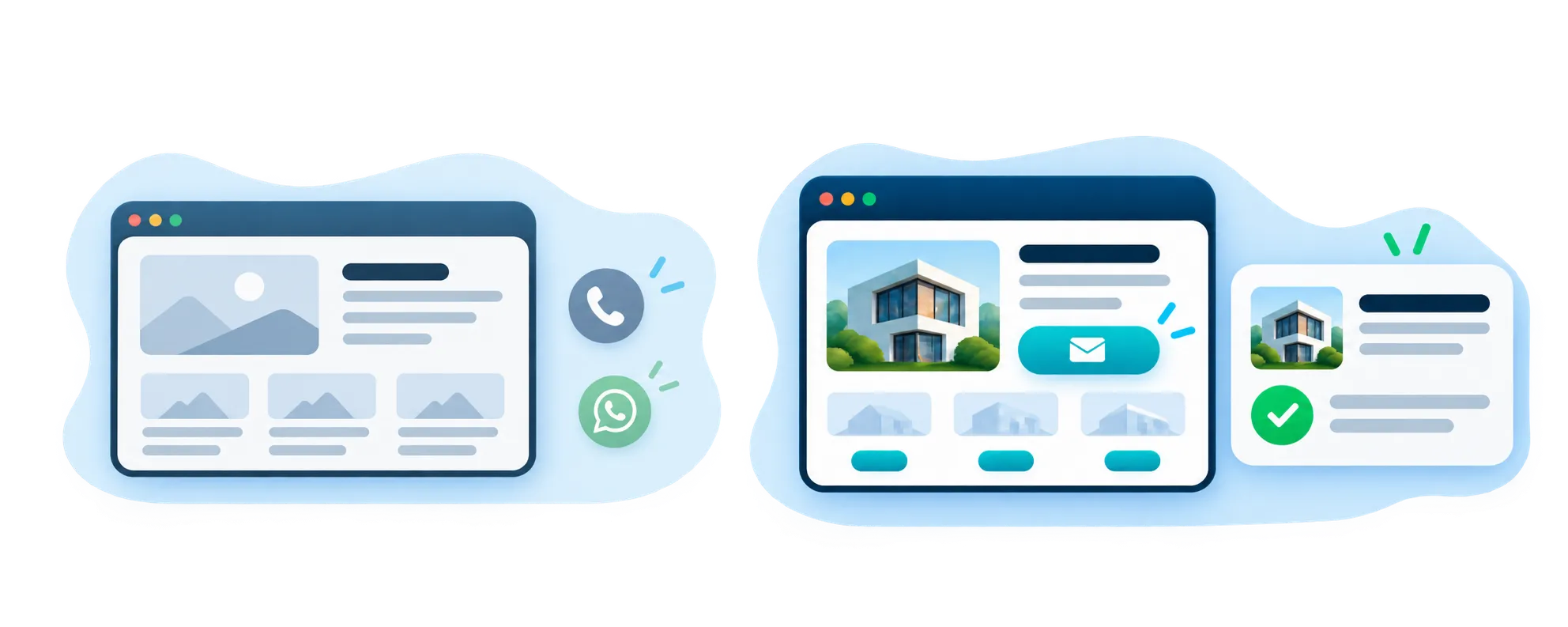
A phone call, map action, social link or general enquiry form is often enough when the visitor simply wants to reach the business. SiteSeas does not need to turn every interaction into a lead workflow.
When a visitor is asking about a specific product, service or content item, context matters. SiteSeas offers the Smart Enquiry System so the enquiry carries what the visitor was interested in instead of starting again with a vague message.
On a phone, the useful action should be obvious. Call and WhatsApp options can reduce unnecessary steps, while a clear enquiry CTA gives visitors a structured route when they need to send more information.
More contact buttons do not automatically create a better website. Use the options that match the business and the page, keep labels clear, and avoid making visitors choose between several nearly identical actions.
When a visitor submits a SiteSeas website enquiry, the enquiry remains reviewable in the Lead Dashboard and can follow the configured contact/routing setup where relevant. This page focuses on making contact easy; deeper lead review, assignment and enquiry intelligence belong to the Lead Dashboard & Intelligence page.
If your current website hides the phone number, relies on one generic Contact Us path or sends visitors to WhatsApp without enough context, SiteSeas can help create a clearer contact journey inside a managed business website platform.
A SiteSeas website can use configured enquiry forms, WhatsApp handoff, click-to-call actions, map or social-profile links, and a supporting Digital Business Card where relevant. The exact combination depends on the website and business setup, so the goal is to show useful contact choices rather than place every option everywhere.
Yes. A click-to-call action can let a mobile visitor tap a phone number or call button and start a call using the device's calling function. It is a simple option for visitors who are ready to speak without completing a longer enquiry form.
Yes, where WhatsApp handoff is configured. SiteSeas stores the website enquiry first and then opens a pre-filled WhatsApp chat. The visitor still sends the WhatsApp message. This helps preserve useful website context, while SiteSeas does not claim that the final WhatsApp message was sent unless separate WhatsApp Business API functionality exists. WhatsApp Business API comes under a separate implementation scope.
Yes. SiteSeas can use configured form placements such as CTA, Contact and Footer areas where appropriate. These placements use a coordinated fixed-form setup, helping the contact experience stay consistent across the website.
Yes, where the page, form and routing setup is configured for it. Relevant enquiries can be directed to the configured contact or department, which is useful for businesses with multiple services, locations or responsible teams.
Yes, when a contextual enquiry path is configured. SiteSeas can preserve trusted source context connected to the enquiry so the business can know what the visitor was asking about. The deeper contextual enquiry flow is explained on the Smart Enquiry System page.
Yes. SiteSeas supports a themed Digital Business Card at a website URL slug. Its information can be managed through SiteSeas, and visitors can download it to a phone and save it to contacts. The number available depends on the selected commercial plan, so this page does not publish a quantity.