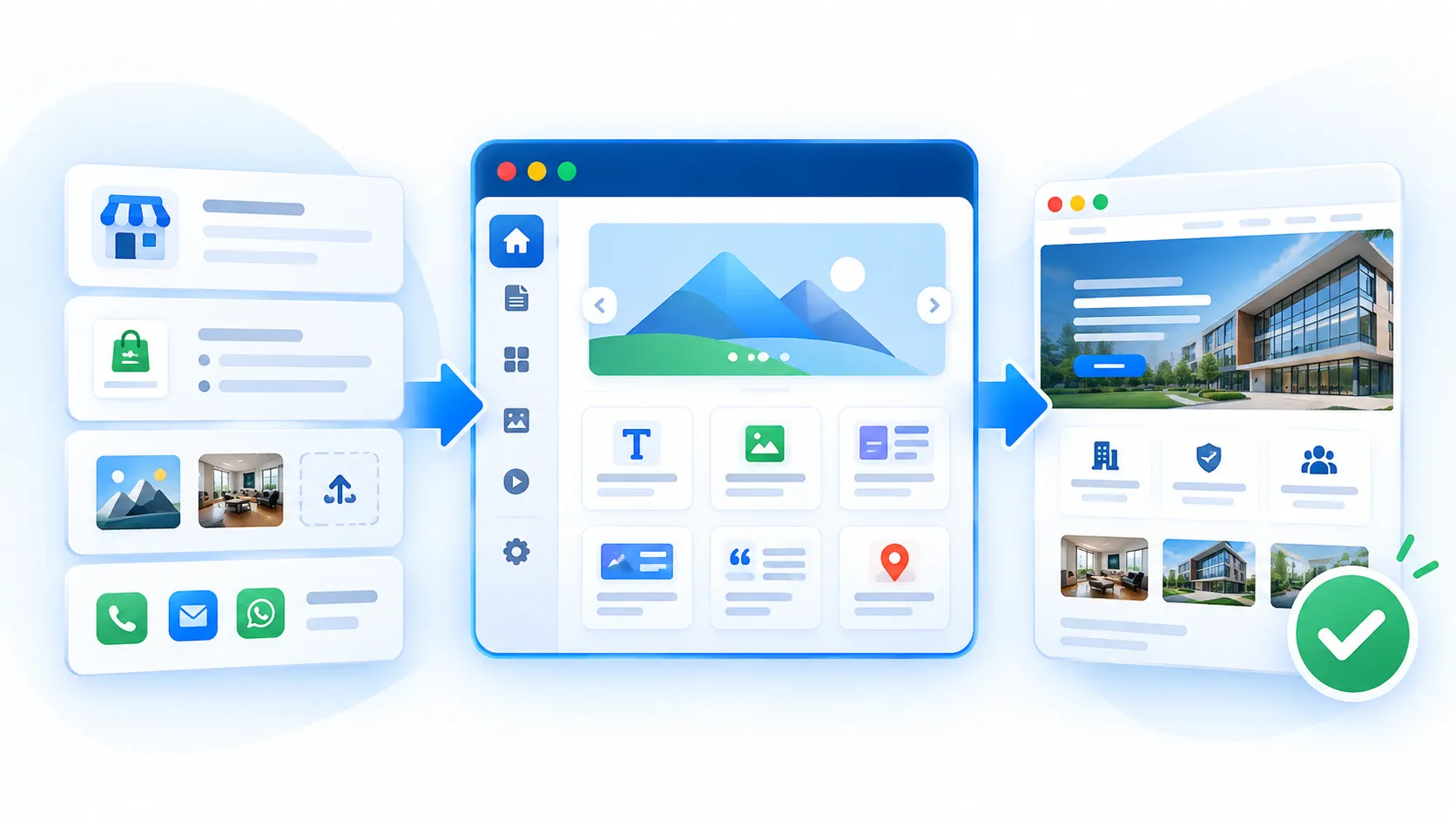
SiteSeas is a managed business website platform with ready themes, ready-to-use rich website components, structured content, contextual enquiry forms, lead handling, WhatsApp continuity and practical SEO controls. You do not have to assemble separate plugins, forms, dashboards or technical pieces yourself.
For setup, you plan the business information, content, images or documents and enquiry contacts you want on the website. That information is arranged on SiteSeas using its ready website structure, rich components and supported enquiry and visibility features.
The result is a business website set up on a ready platform - easier to set up, easier to manage and better prepared to capture useful enquiries.
Start by planning what should appear on the website and who should receive relevant enquiries. No technical website planning is required.
Plan the business name, contact details, branch locations, products or services, categories and other approved information you want on the website.
Keep the approved text or source material, logo, images and documents ready for the pages and sections you want to publish.
Decide which contact details should receive website enquiries or WhatsApp handoff for relevant products or services.
The website is prepared on SiteSeas using ready professional themes, rich ready-to-use components, structured content types and built-in enquiry and website controls - not from a blank technical system.
Planned pages, categories and structured items can be arranged using ready-to-use SiteSeas components such as tiles, rotators, tabs, accordions, carousels and galleries.
Relevant Primary or Secondary enquiry paths, fixed forms, destinations, routing, scoped Lead Manager access and WhatsApp handoff can be enabled where applicable.
Metadata, canonicals, sitemap and robots controls, redirects, structured data, analytics and supported integrations can be applied where relevant.
SiteSeas brings rich website presentation, consistent and responsive layout, enquiries, lead handling and practical website controls together in one managed platform.
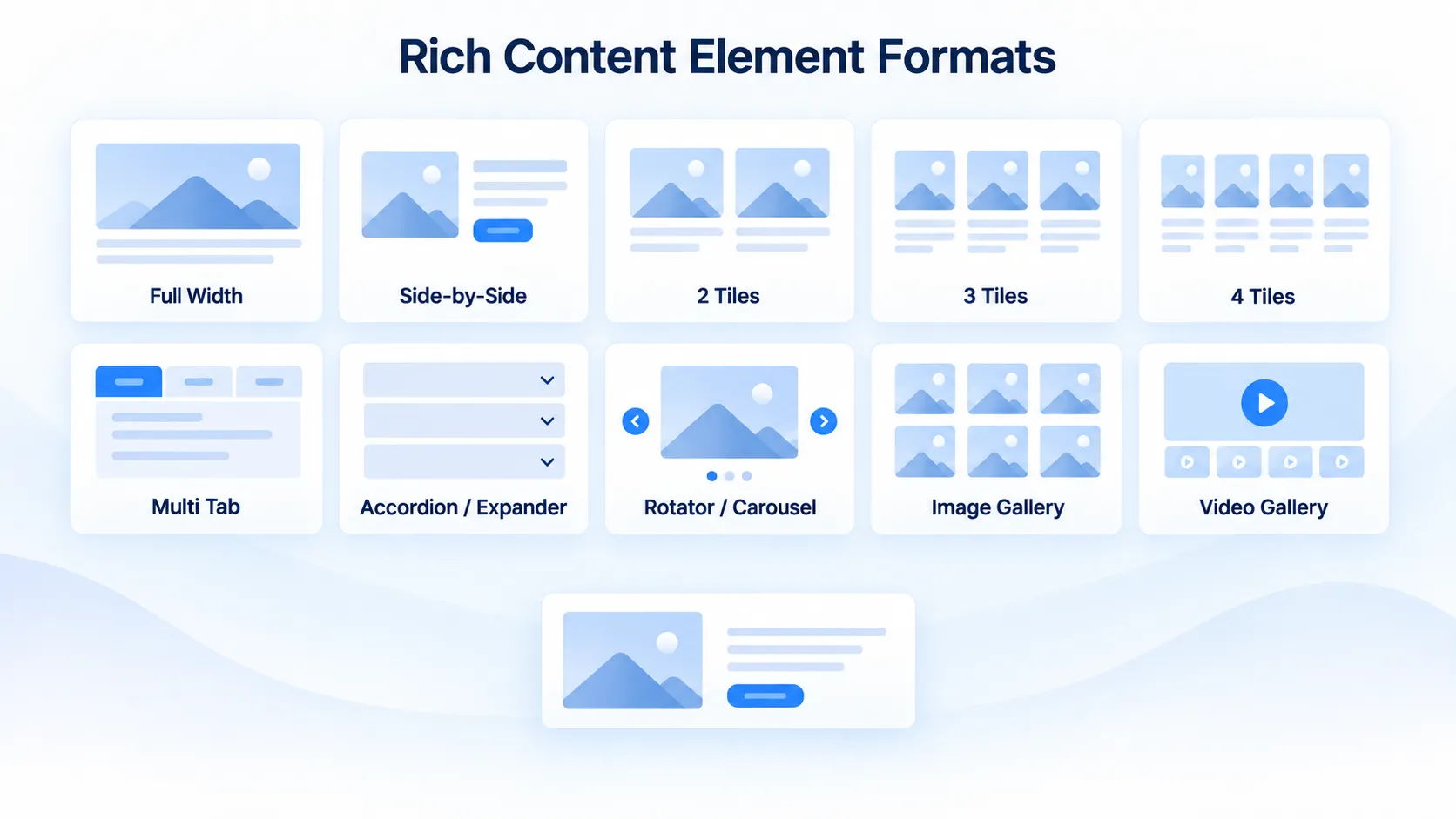
Present products, services, features, FAQs, galleries and other business content through ready tiles, rotators, carousels, tabs, accordions and structured layouts.
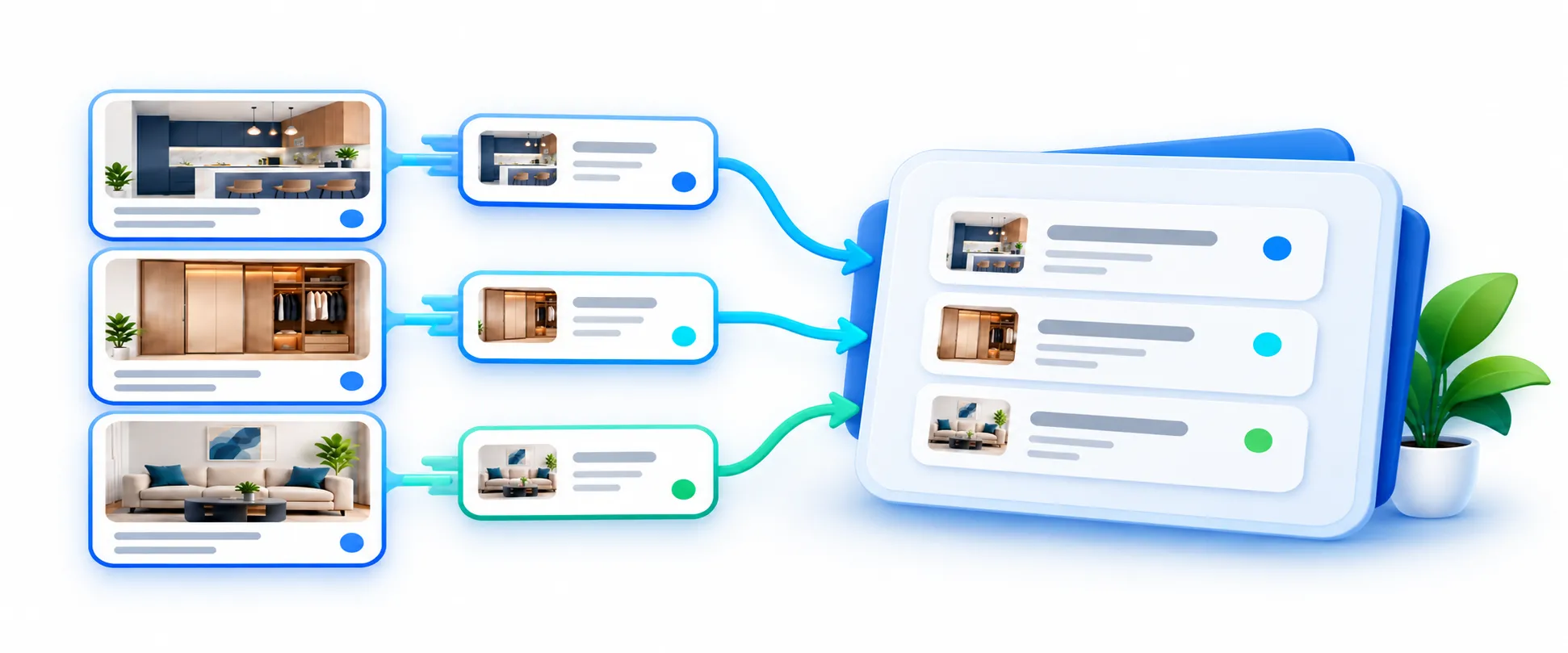
Submitted website enquiries can be reviewed, searched and filtered in the Lead Dashboard with available source and delivery context.
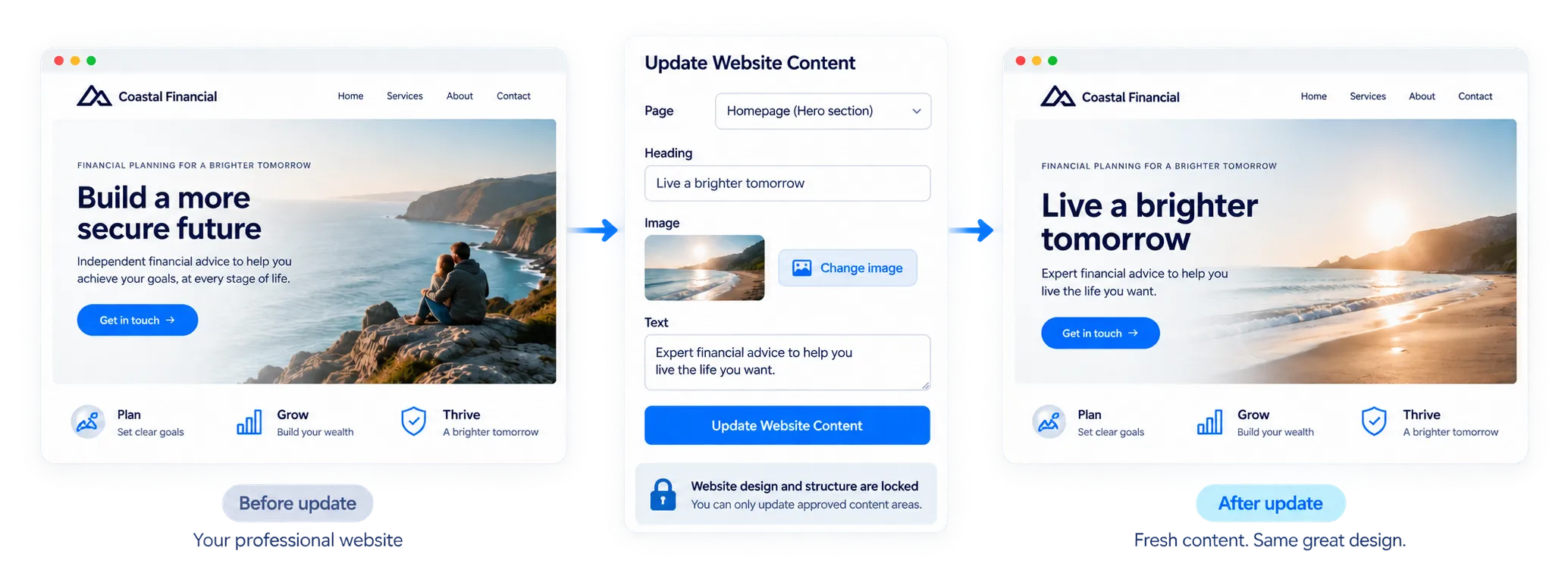
Authorised users can manage permitted routine website content through SiteSeas without dealing with the underlying codebase or plugin setup.

Relevant pages, components or supported elements can expose configured enquiry actions so the enquiry can retain useful source context.

Where configured, the website enquiry is stored in SiteSeas first and a pre-filled WhatsApp chat can then open for continuity.

Practical controls are available for metadata, canonicals, sitemap and robots behaviour, redirects and structured data where supported.
Example: a manufacturer may plan product categories, product information, images, a general sales contact and contacts for relevant product or service enquiries. The website can then present those categories and products using SiteSeas structured pages and rich components. Relevant enquiry actions can be enabled, contacts or routing can be assigned, WhatsApp handoff can be used where required, and submitted enquiries will appear in the Lead Dashboard with the lead context like page name, component name, etc. The business decides the information and contacts; the website uses SiteSeas capabilities to present the content and handle enquiries.
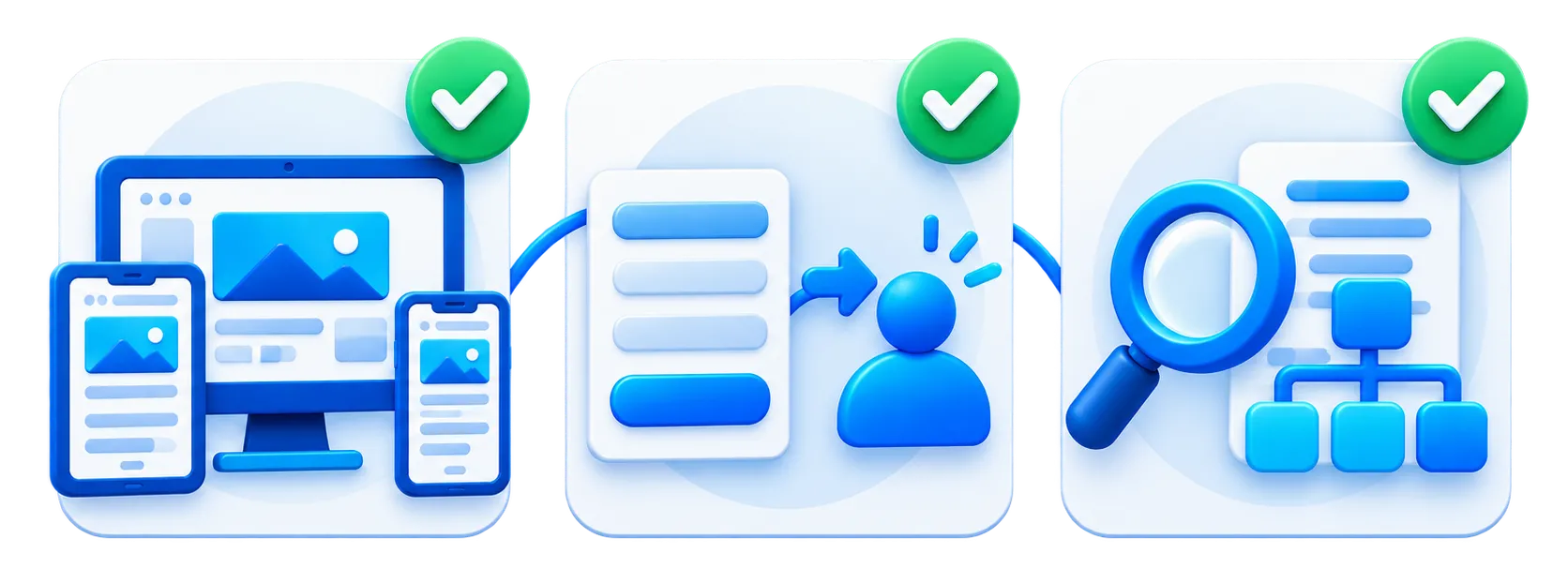
Important pages and mobile presentation are checked for obvious setup, layout or responsiveness problems.
Configured enquiry paths are tested so website submission, destination or routing, Lead Dashboard visibility and WhatsApp handoff can be verified where applicable.
Applicable metadata, canonical and index settings, sitemap and robots behaviour, redirects and structured data are checked before launch.
This page explains the setup stage. Use the pages below to understand the platform, the next launch step and what happens after launch.
See the wider managed business website platform and how its website, enquiry and lead features connect.
See the review, testing and go-live checks that follow the setup stage.
Understand controlled updates, platform support and responsibilities after launch.
See how contextual enquiry points, source context, WhatsApp continuity and lead handling work together.
Your business plans the information, content and enquiry contacts that should appear on the website. The website is then set up on SiteSeas using ready professional themes, rich ready-to-use components, structured pages or items, enquiry tools and practical website controls. Relevant Lead Dashboard, WhatsApp and SEO controls can also be enabled where applicable.
Thus, you do not have to get into the complexity of assembling separate plugins, forms, dashboards or technical pieces, their integrations and updates yourself.
Plan the business information, products or services, categories, approved text or source material, logo, images or documents, contact details and the enquiry contacts you want to use on the website.
No technical website knowledge is normally required for managed setup. The website is set up on SiteSeas with ready-to-use rich components and built-in features, so you do not need to assemble plugins, forms, dashboards or code yourself.
SiteSeas includes reusable presentation components such as tiles, rotators, carousels, tabs, accordions and galleries. They help organise products, services, features, FAQs, images and other business content without building every section from scratch. Components can be reused on multiple pages from the Component Library that hosts ready-to-use as well as customized components.
Yes, where relevant. Supported Primary or Secondary enquiry paths, fixed forms, destinations, routing, scoped Lead Manager access and WhatsApp handoff can be enabled for the website.
Yes. Existing approved text, images, documents and other suitable material can be used while planning the SiteSeas website content. New or replacement content can also be prepared separately when needed.
Authorised users can manage permitted routine website content through SiteSeas without working with the underlying codebase or plugin setup. Available controls depend on the website configuration and user permissions.
There is no single timeline for every website. Setup time depends on the website size, the amount of content and structured information, the required configurations and how quickly the website information is finalised.