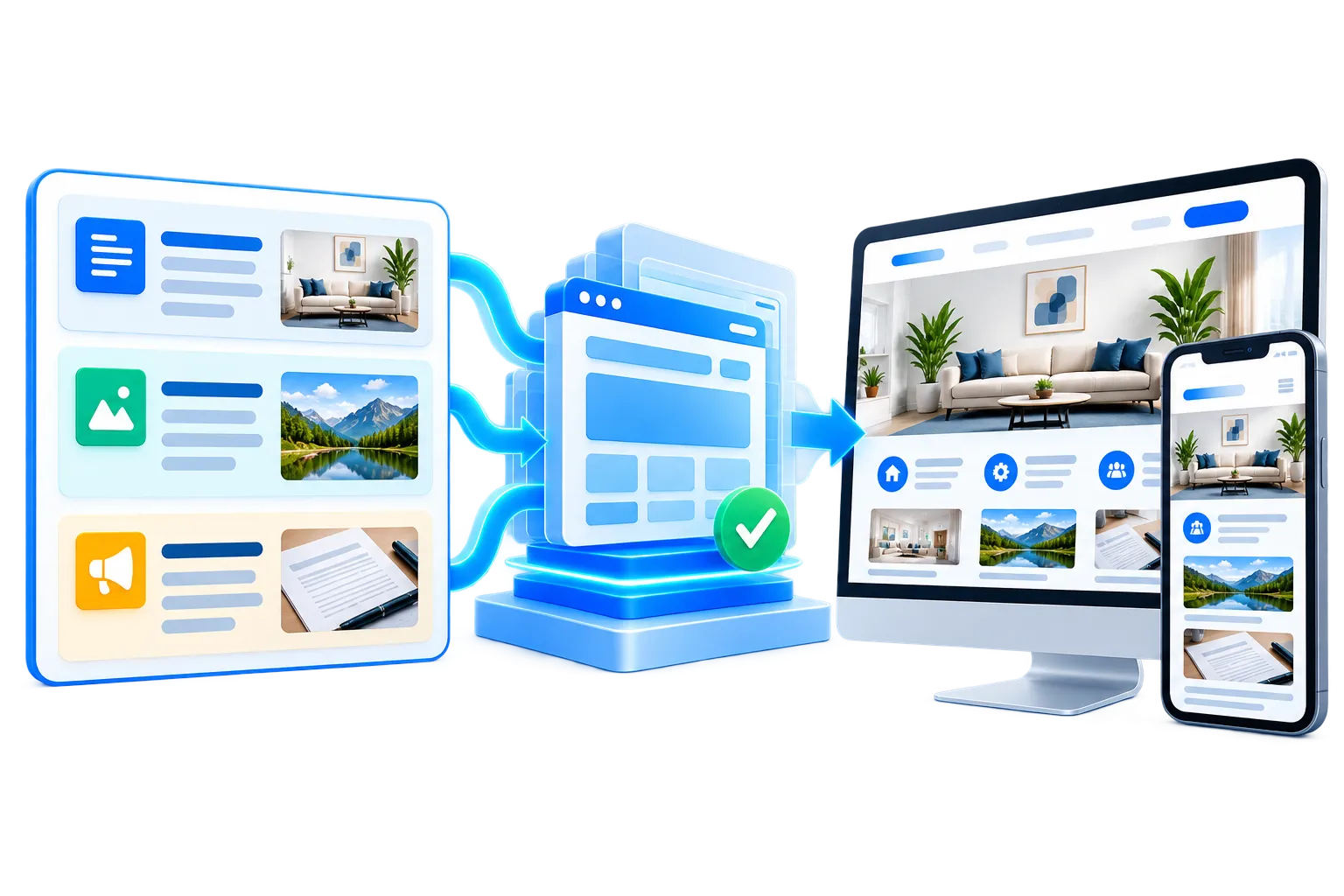
After launch, website updates and support stay connected to the same SiteSeas platform. Your authorised team can handle routine website content updates through the controlled admin, work with the ready-to-use rich components already available in SiteSeas, and continue using the website, enquiry and lead features enabled for the account.
For businesses that want practical website support after launch, this keeps everyday website management straightforward. Normal content changes do not need a new development cycle each time, while the website continues to use the same structured SiteSeas system behind its pages, forms, enquiries and lead handling.
A practical website update process should make routine changes simple without exposing the underlying code. When you need to update website content such as services, photos, notices, documents, team details or other business information, authorised users can work with the relevant content areas available in the SiteSeas admin.
Update the available text, images and structured business information in the relevant SiteSeas content area. Routine website content updates stay inside the planned website structure instead of requiring code-level editing.
Save the change and review the public page to confirm that the updated information appears as expected. The website keeps the same managed structure while the content is refreshed.
SiteSeas includes reusable content formats for presenting business information in different ways without rebuilding page layouts for every change. These reusable formats can be planned for the website and updated through the managed system.
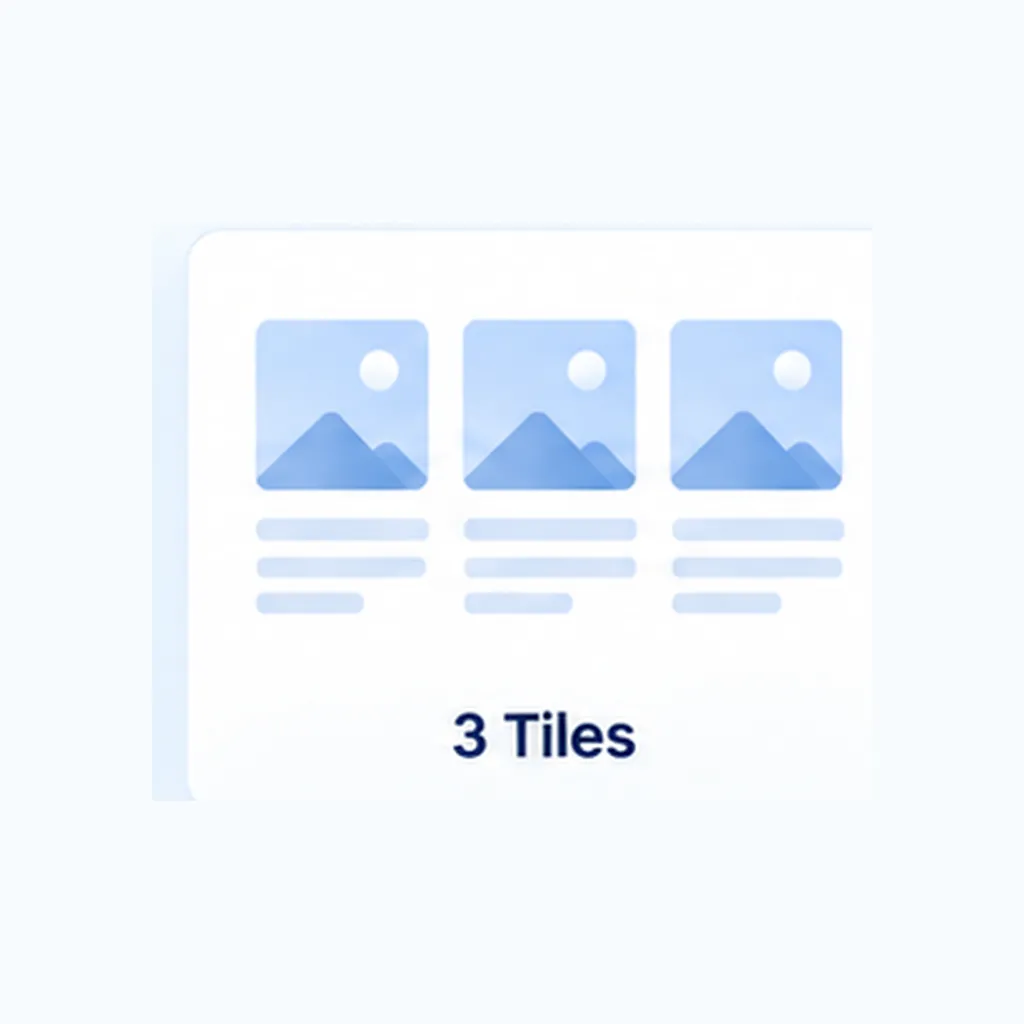
Use tiles for clear service, product, feature or information blocks that visitors should be able to scan quickly.
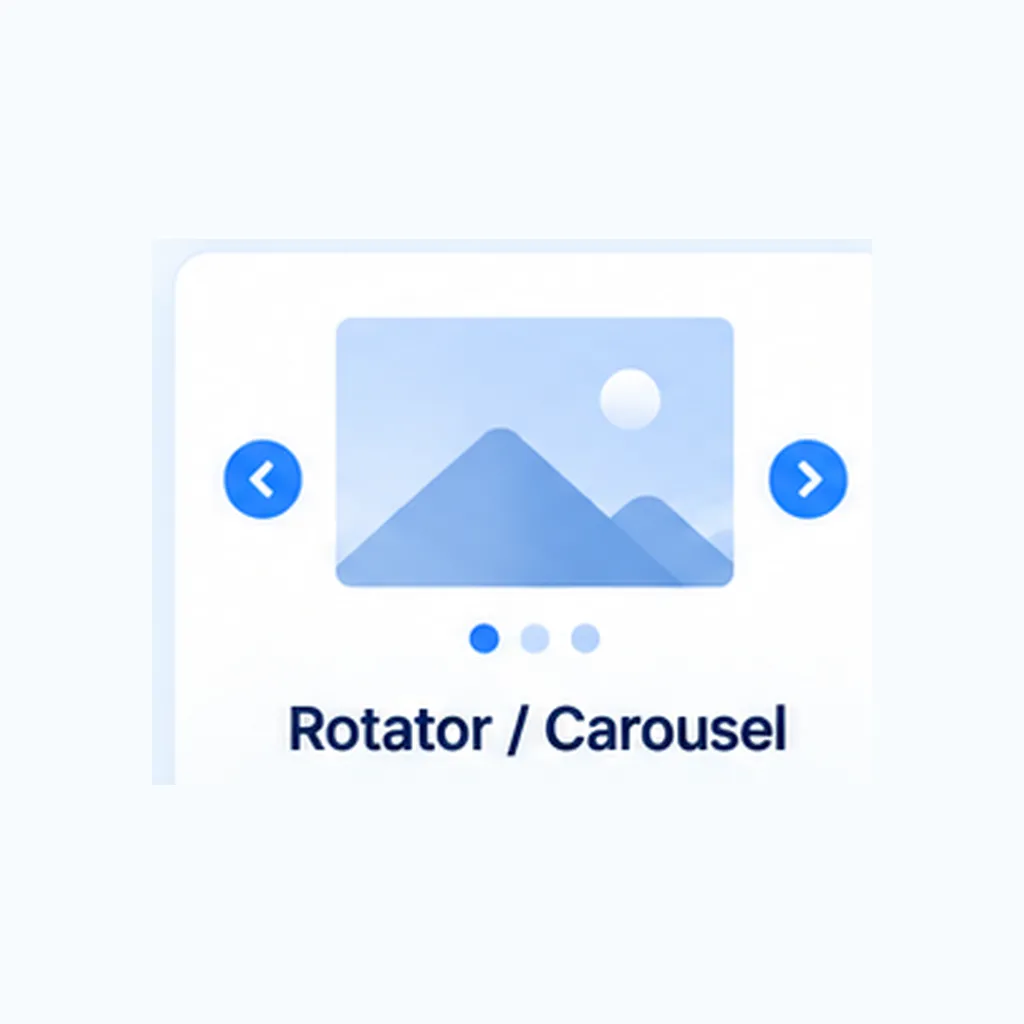
Use rotators or carousels for related highlights where sequential viewing makes sense and every item does not need to be compared at the same time.
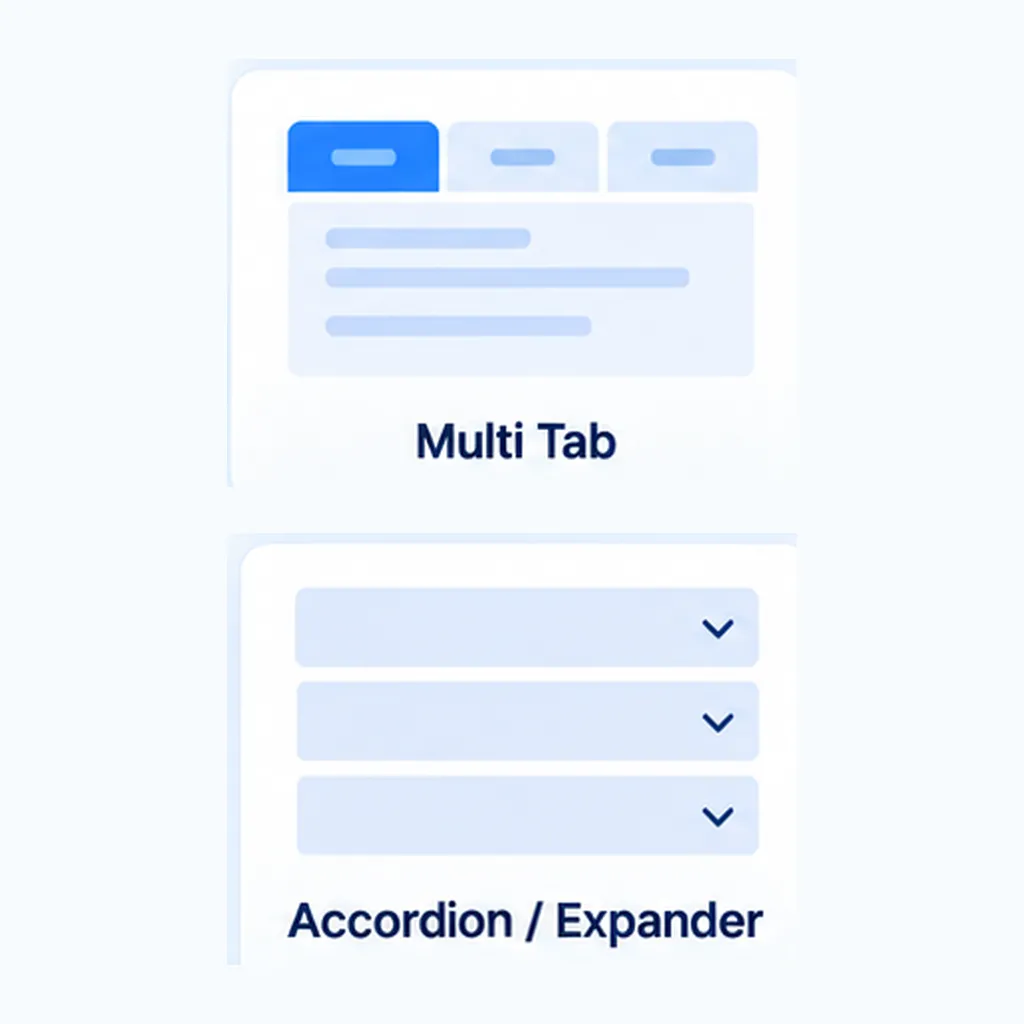
Use tabs or accordions when related information needs organised grouping. Tabs suit different dimensions of the same subject; accordions suit expandable detail and FAQs.
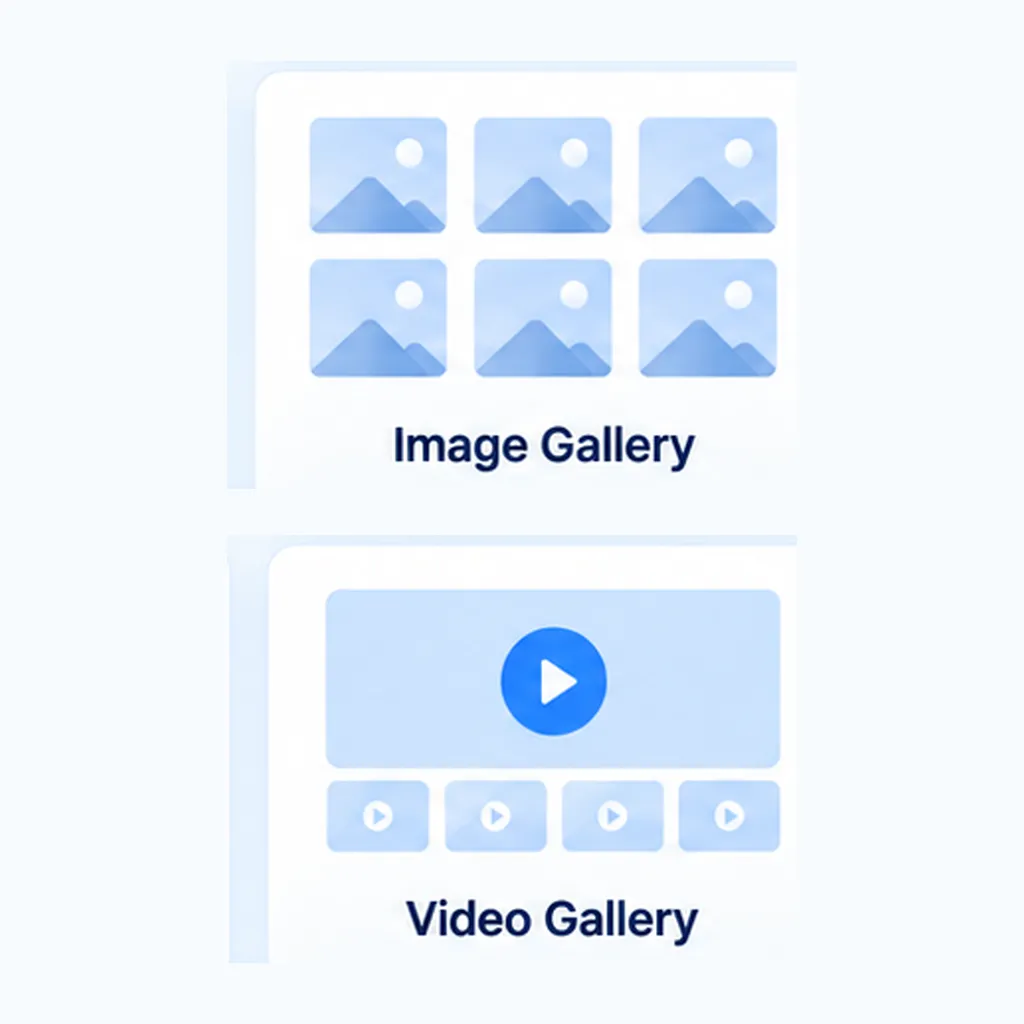
Use image and video galleries when the business needs to present visual proof, facilities, work, products or other relevant media in an organised format.
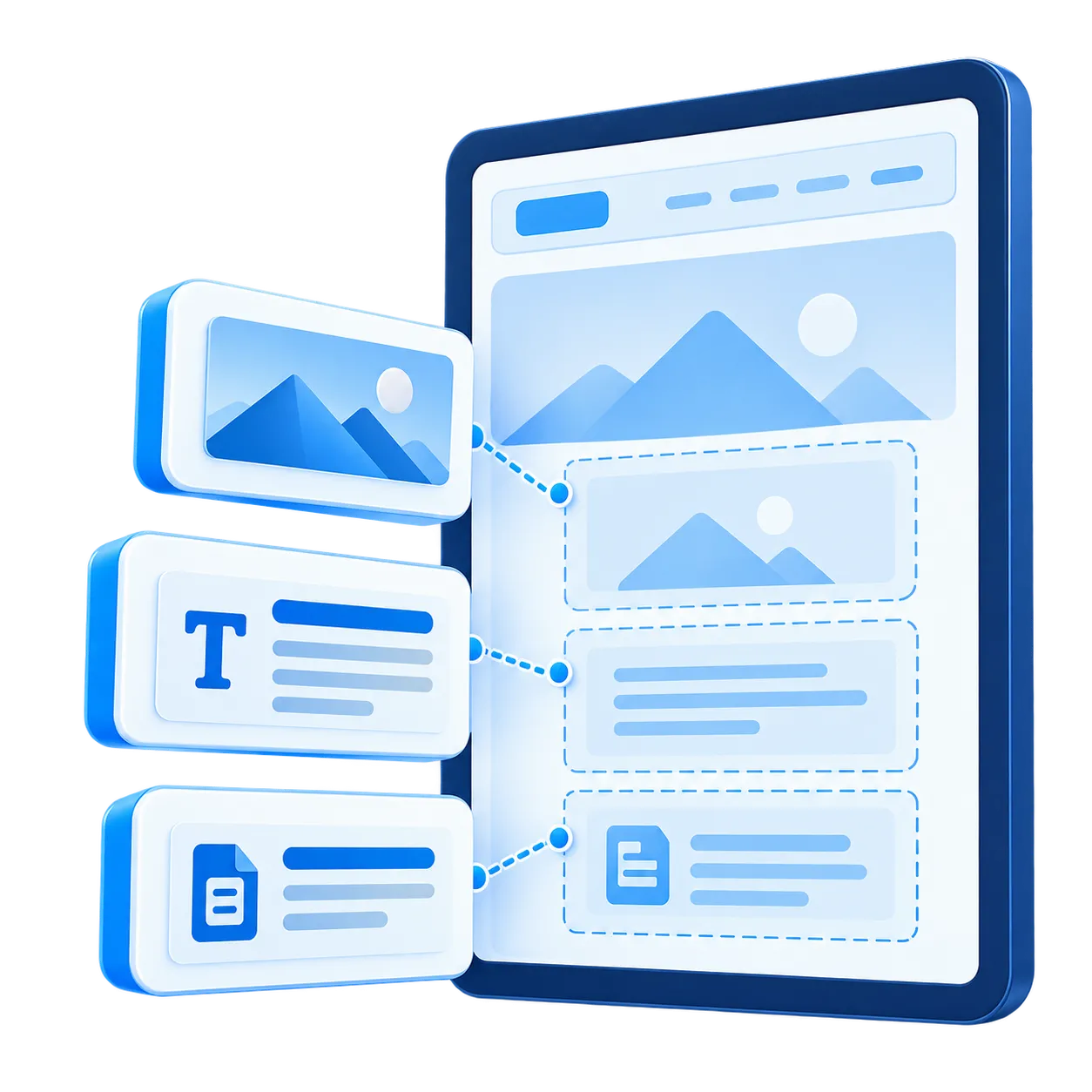
Controlled fields and ready-to-use component formats help routine updates fit into the existing website structure. Authorised users can change information while the underlying code and page layout remain protected. The result is a website that stays easier to manage over time while still giving the business practical control over everyday content.
After launch, enabled SiteSeas enquiry features remain part of the website. The platform can continue to capture website enquiries, keep useful source context and make those enquiries available for review.
Relevant page, component or element context can continue to travel with the website enquiry where that flow is configured.
Website enquiries continue to appear in the Lead Dashboard, keeping the website enquiry record available for review.
Configured routing, Lead Manager access and WhatsApp handoff remain available where they are enabled for the website.
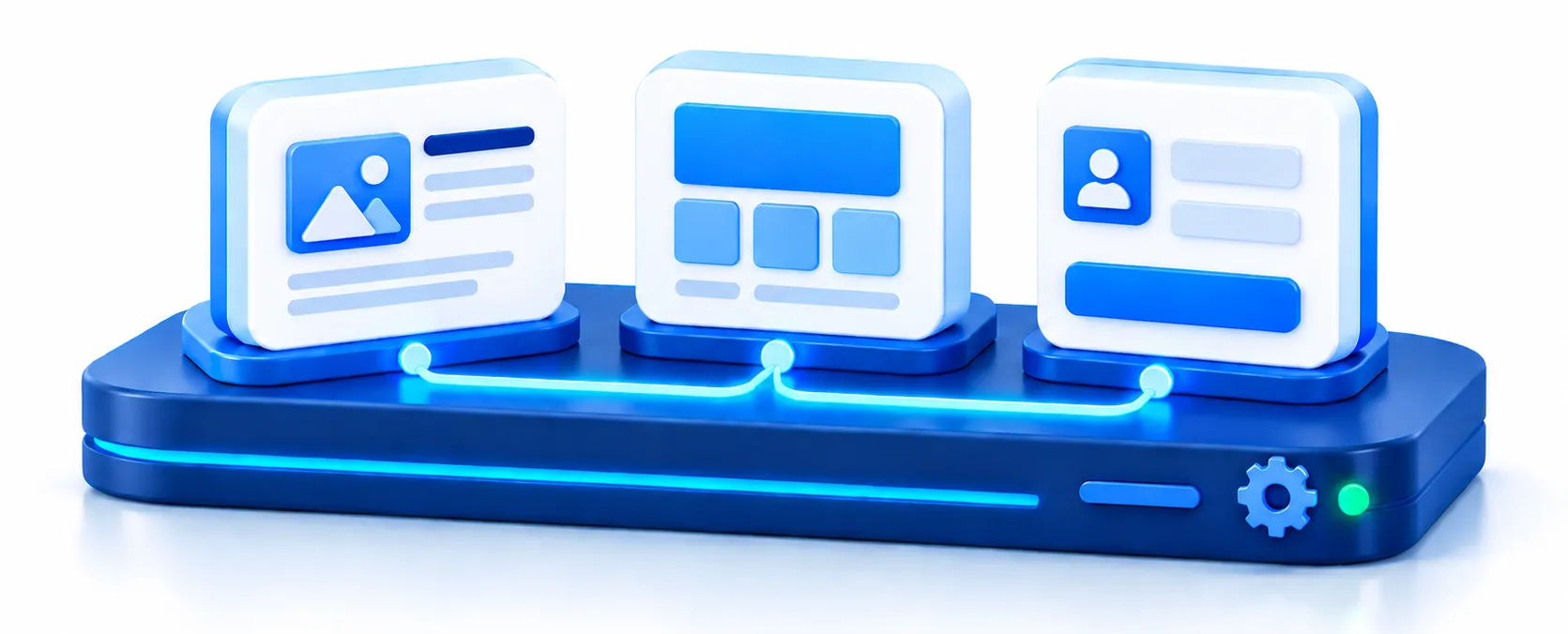
Managed website support after launch focuses on keeping the SiteSeas platform and the website functions already running on it working reliably. ITSagar supports the platform behaviour behind the website while authorised users continue to manage routine content through the controlled admin.
After launch, the website remains on the same managed SiteSeas platform with its controlled admin, ready-to-use rich components and enabled website features available for use.
If a SiteSeas feature has a genuine product issue, or an enabled enquiry flow is not behaving as expected, ITSagar can check the relevant platform behaviour and correct the issue.
Renewal keeps the website on SiteSeas for the next term. The value is continued use of the managed platform behind the website, not only keeping static pages online.
The controlled admin and ready-to-use rich components remain available so authorised users can keep routine website information current without editing code.
Enquiry tools, Lead Dashboard access and other enabled SiteSeas capabilities remain available to the account for the next term.
Yes. Authorised users can make website content updates through the content areas available in the SiteSeas admin. This allows routine business information to stay current without editing the website code.
No. Routine updates available through the controlled SiteSeas admin can be handled there directly. The website keeps its existing structure while the information is updated.
SiteSeas supports rich formats such as tiles, rotators or carousels, tabs, accordions, image galleries and video galleries. The right format can be planned according to the type of information the website needs to present.
The website update process is straightforward: open the relevant content area in the SiteSeas admin, update the available text, information or media, save the change and check the public page. This is how authorised users can update website content without changing the underlying code or rebuilding the page.
ITSagar can check the relevant SiteSeas function and the existing website setup to identify whether there is a product or configuration issue and restore the expected platform behaviour.
Yes, where those capabilities are enabled for the website. Website enquiries can continue to be stored in SiteSeas and the configured WhatsApp handoff can continue after the website enquiry is recorded.
Renewal keeps the website and its enabled SiteSeas capabilities available for the next term. The value is continued use of the managed platform, not only keeping static pages online.
Website support after launch keeps the SiteSeas platform and enabled website functions operating as expected. Authorised users can continue routine content updates through the controlled admin, while ITSagar supports the SiteSeas platform and existing configured functionality.
Want a business website that remains practical to manage after it goes live? SiteSeas brings controlled website content updates, ready-to-use rich components and managed website support together in one managed business website platform — helping your website stay current, useful and ready for ongoing business use.