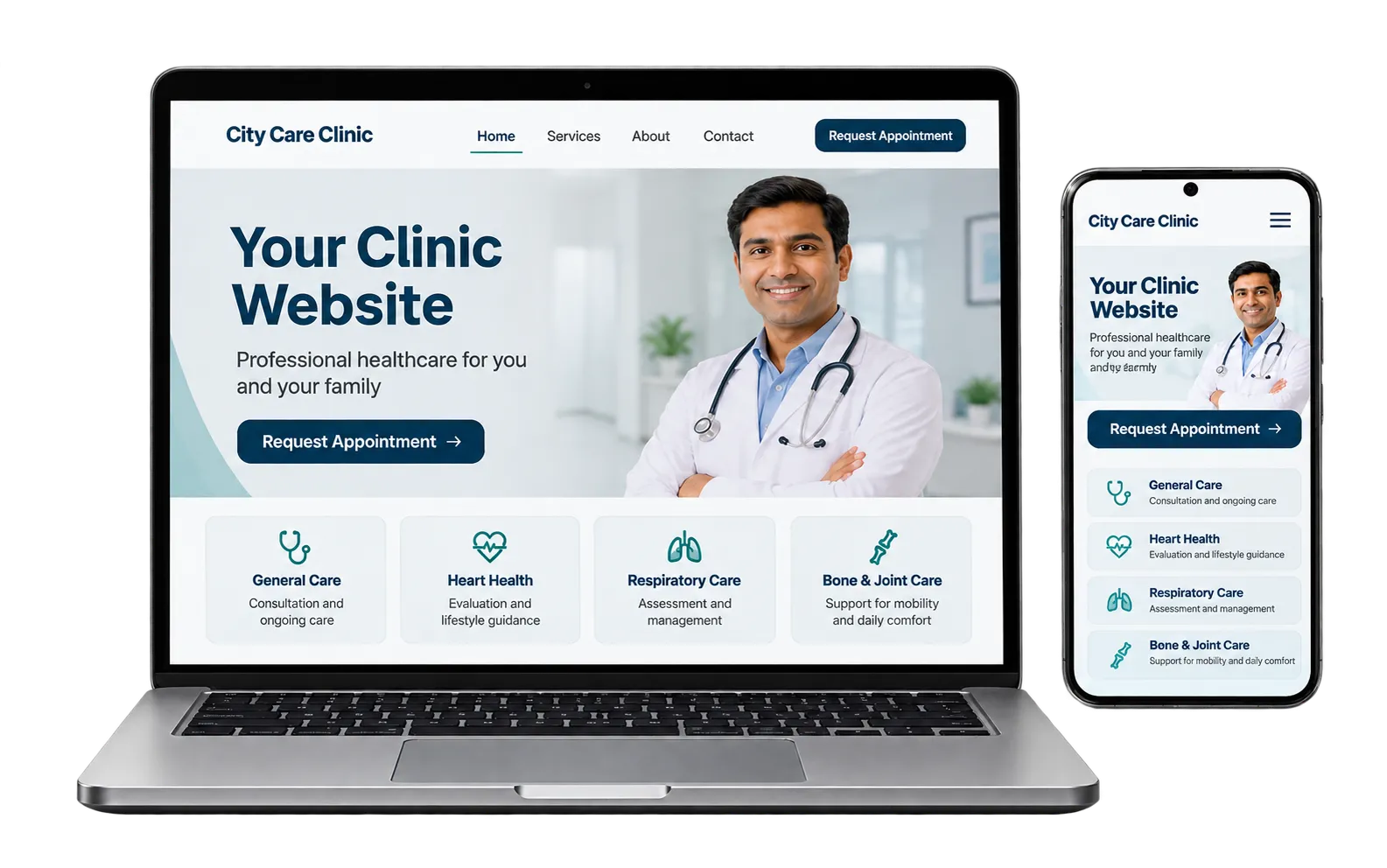
SiteSeas brings website design for doctors and clinics together with a structured patient enquiry system. Present your qualifications, specialities, consulting hours and clinic locations through a responsive, managed website that patients can explore before contacting your reception.
Give patients a convenient way to request an appointment from the information they are viewing. Your staff can review requests with their website source context, understand the enquiry and arrange the visit through your existing appointment process.
Whether you run an independent practice or a multi-doctor clinic, get a website prepared for your services, with ongoing platform support and the ability to update permitted content as your practice evolves.
Patients who find your practice through Google, referrals or social media often need practical details before visiting. A well-organised medical website gives them a reliable place to check those details and contact the right person.
Present verified qualifications, registration details and areas of practice so patients can identify the appropriate doctor before contacting your clinic.
Explain the services your clinic offers through dedicated speciality pages, using practice-approved information that helps visitors understand where to enquire.
Publish consulting hours, clinic contact details and directions with Google Maps where relevant, helping patients plan their visit and reducing the need to repeat basic information over the phone.
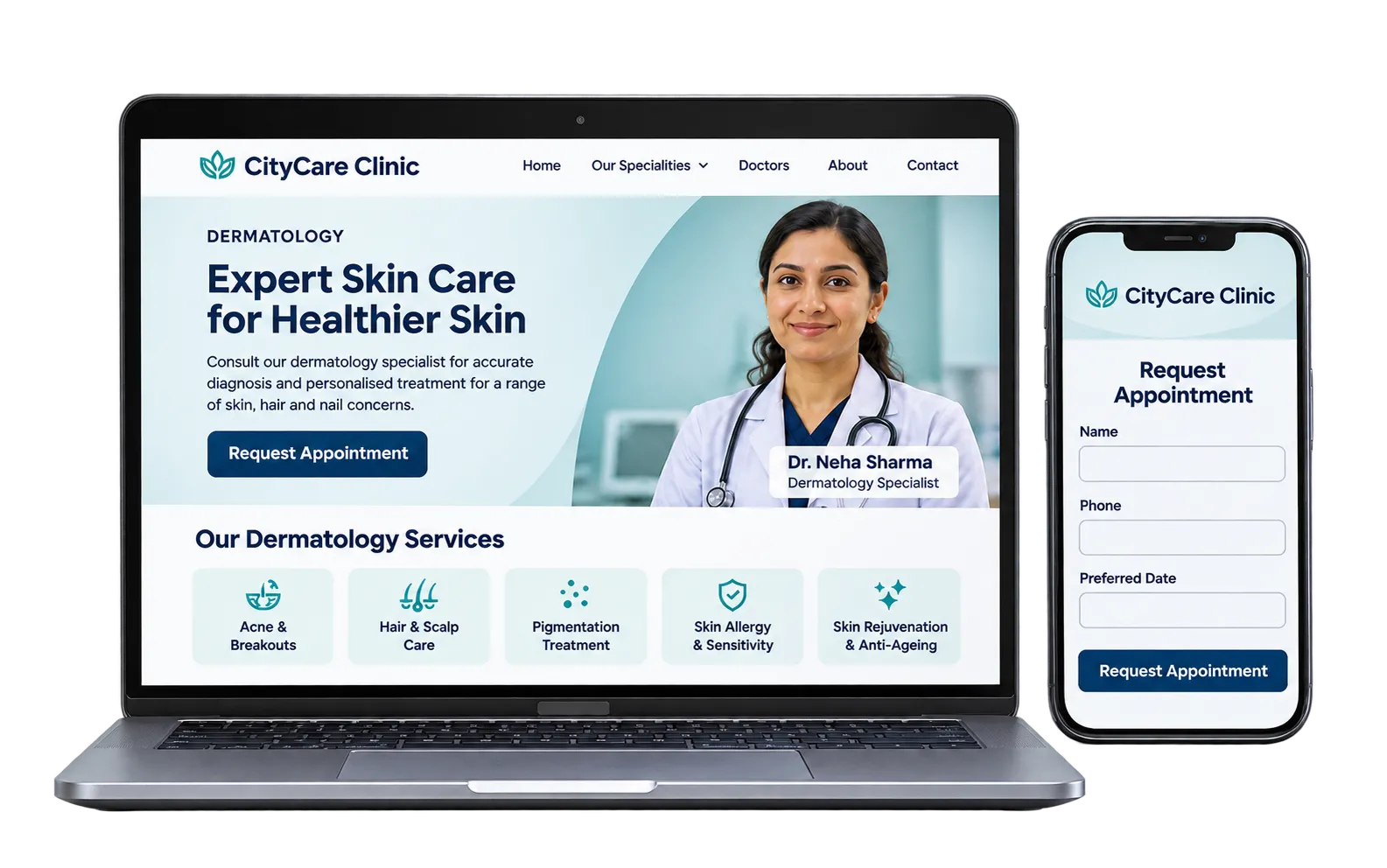
A general contact form may leave reception asking which doctor or service the visitor needs. SiteSeas can place configurable enquiry and appointment request options alongside relevant speciality information, so the request retains the page or service context where supported.
For example, someone viewing a dermatology speciality page can request a visit from that page. Your reception can see where the request originated, review the contact details and preferred date, and confirm a suitable appointment after checking availability.
Where WhatsApp is configured, the website saves the enquiry before opening a pre-filled chat for the visitor to send. Your practice therefore has a website record to review even if the visitor does not complete the WhatsApp conversation.
Move beyond isolated website messages. Give authorised staff a dedicated place to review website requests and understand what prompted them.
Review website enquiries alongside their originating page, component or item where available. Reception can use this context to prepare a more relevant response instead of starting every conversation from scratch.
Configure supported enquiry paths to the relevant contact and scope Lead Manager access as needed. A clinic with several departments can direct enquiries to appropriate staff for follow-up.
Use spam indicators and review filters to help separate potentially unwanted submissions from requests needing staff attention. Contact details have reveal protection for authorised review.
Review recurring interests from received enquiries to understand which published services attract questions. Use those signals to decide where clearer service information or visit instructions could help patients.
Your website structure should reflect how patients choose a service, identify their doctor and arrange a visit. Consider these example configurations for your practice.
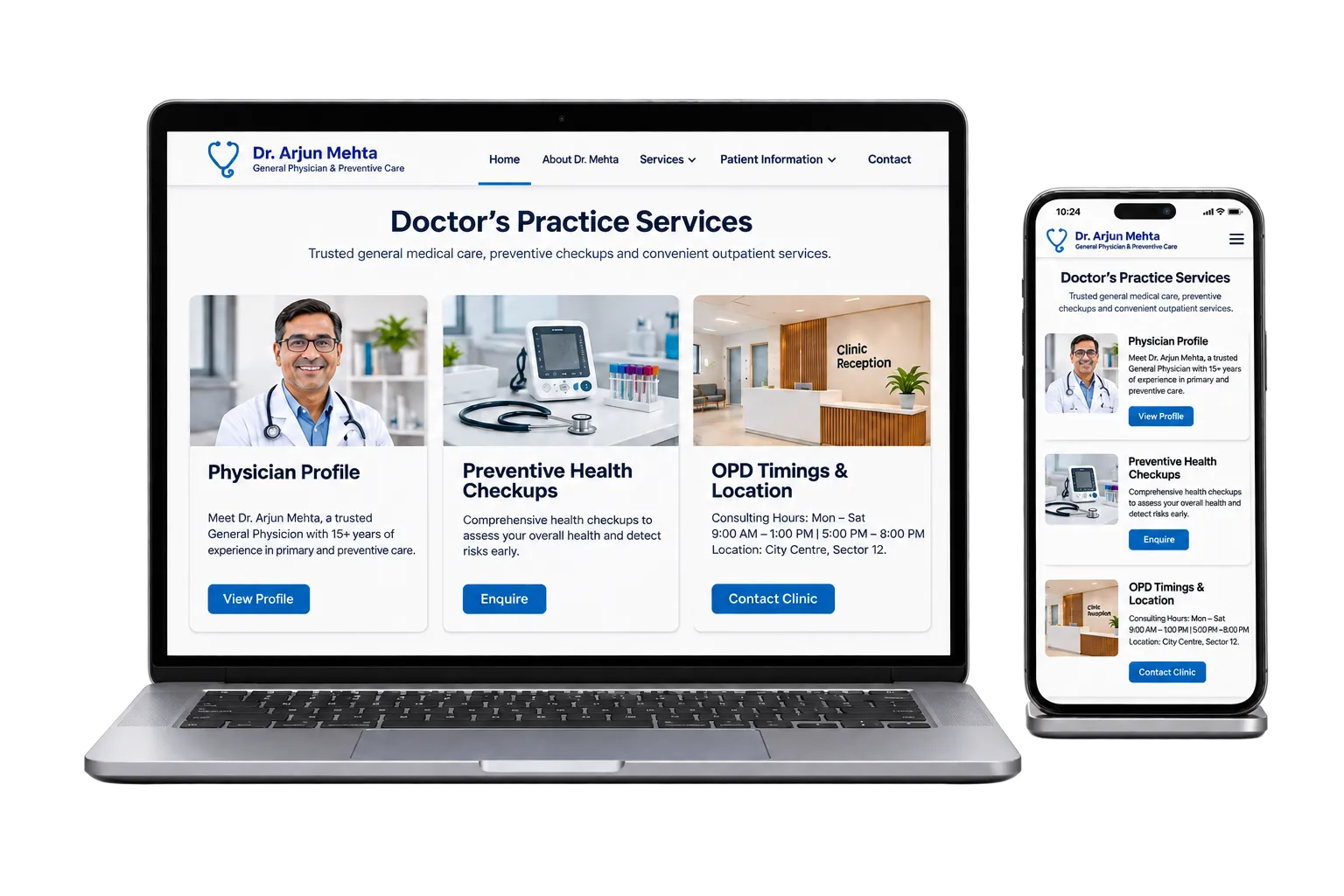
Introduce your professional profile, clinical focus, consultation hours and location. Give patients a straightforward way to contact your practice or request a visit.
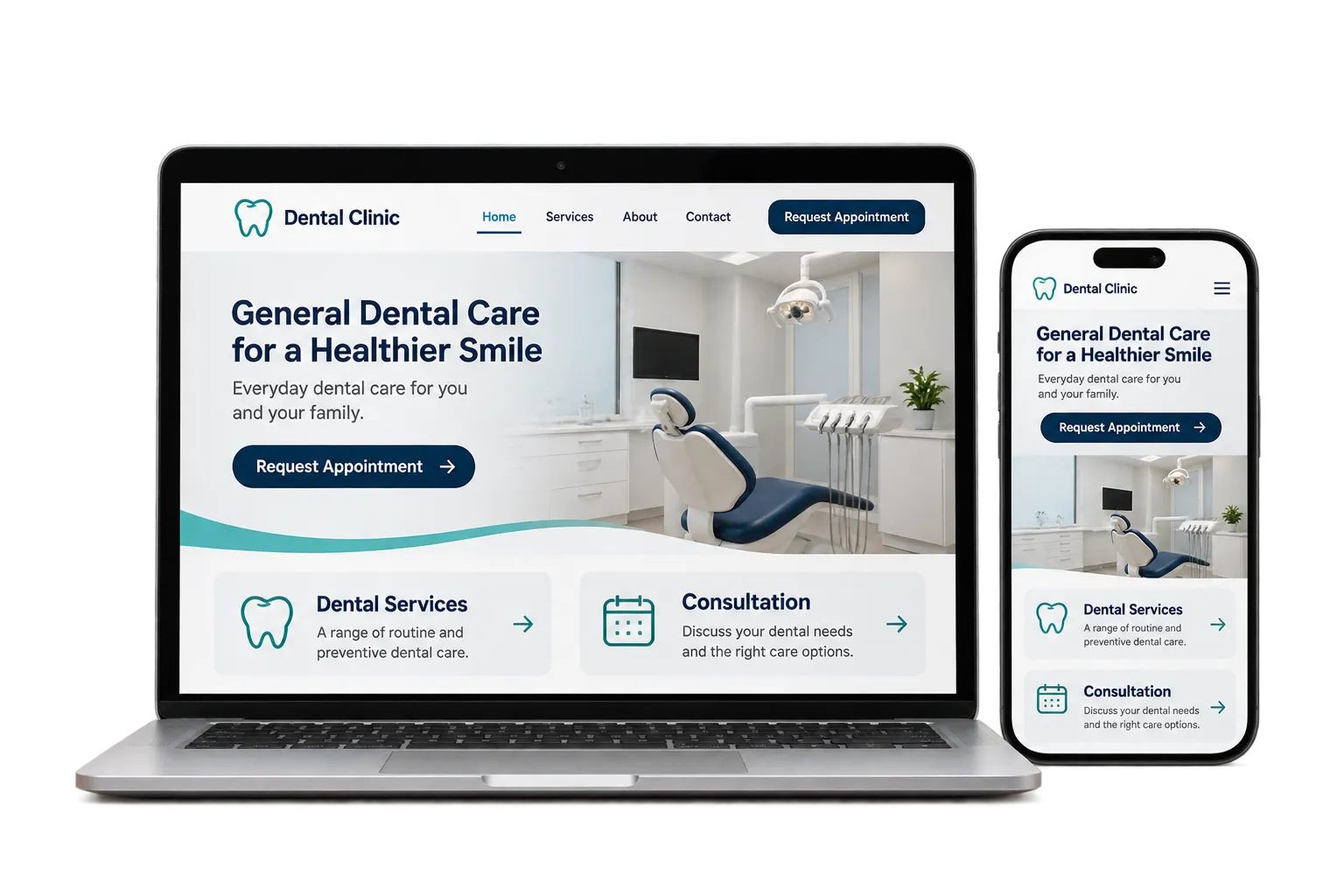
Organise dental services into clear sections, introduce practitioners and offer relevant enquiry options from service pages so reception can identify the purpose of a request.
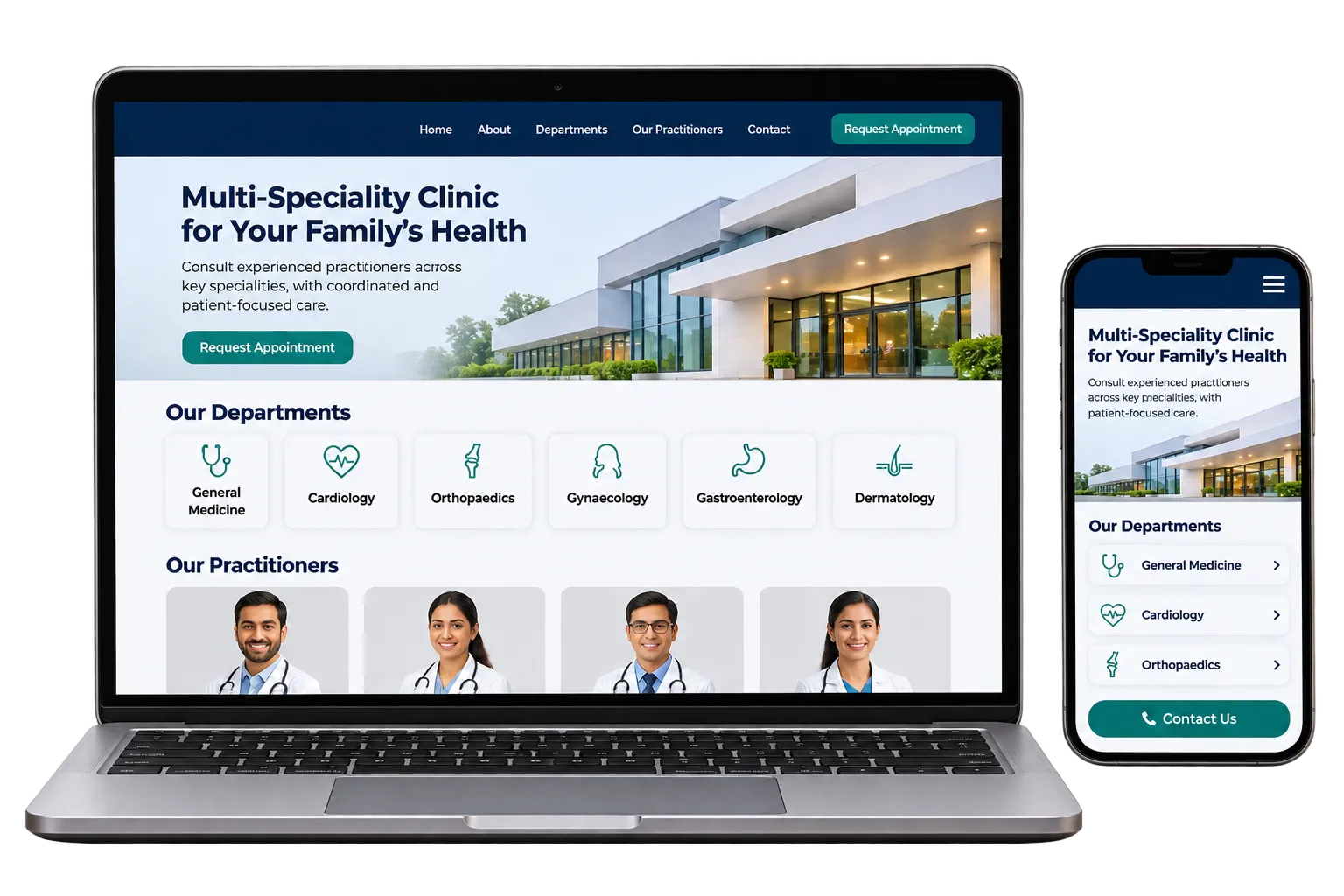
Present multiple specialities, doctor profiles and branch details where appropriate. Configure enquiry routing to match the contacts responsible for reviewing different requests.
Your website can complement your Google Business Profile by providing more detail about your practice than a map listing alone. Keep the clinic name, address, telephone number and consulting hours consistent across both, and link your profile to your website.
Organise each supported speciality around a clear page topic. Page titles, meta descriptions, descriptive image information and other available search controls provide a foundation for search engines to understand the content.
Give visitors a responsive layout with readable service information, practical clinic details and clear contact options, whether they arrive through a mobile search or a shared website link.
SiteSeas is a managed business website platform by ITSagar Solutions Pvt. Ltd. Your initial website is prepared using your practice information, within the selected design and scope. The structured admin panel lets authorised users update permitted content while the platform's layout remains managed.
Shared content can be reused across supported pages. When a shared section such as clinic information is updated, the pages using that section reflect the change. Technical support and platform maintenance are provided within the purchased scope, so you can concentrate on managing your practice information.
Share your practice type, specialities, locations, current website if any, and how reception handles appointment requests.
Supply approved doctor profiles, clinic details, logo, images and service information. ITSagar prepares the initial content and website structure.
Review the staging presentation, verify clinical information and confirm enquiry fields and routing before the full site is completed.
Connect your domain, complete pre-launch checks and use the admin panel for permitted updates. Reception reviews requests and arranges visits.
The right solution depends on whether you primarily need a professional website and patient enquiry workflow or software to manage clinical operations.
You need a managed website with doctor profiles, speciality information, contact options and appointment requests that staff review and confirm. You want ongoing platform support and the ability to keep practice information current through structured content controls.
If your main requirement is real-time appointment scheduling, patient medical records, prescriptions, billing, telemedicine or a patient login portal, discuss those requirements separately. SiteSeas is designed for website presentation and enquiry handling; your clinical and appointment operations remain with your practice.
SiteSeas works on a yearly subscription rather than a one-time website purchase. Discuss the number of doctors, specialities, locations and pages your clinic needs, along with your enquiry requirements, to establish the appropriate scope and confirm the applicable subscription and renewal terms before proceeding.
Patients can submit appointment requests through supported SiteSeas website forms, including a preferred appointment date where configured. Your reception reviews the request and confirms availability through your existing scheduling process. This suits clinics that prefer staff to retain control of appointment confirmation rather than offering instant online bookings.
A clinic website should request only the contact and visit information needed to arrange an appointment. SiteSeas supports configurable enquiry fields and scoped dashboard access, with reveal protection for contact details. Keep medical records and sensitive clinical information in your established clinical systems, with appropriate privacy notices and handling procedures.
Yes. Authorised users can update permitted website content through the SiteSeas admin panel without rebuilding the website. This allows your practice to keep doctor profiles, service descriptions and consulting hours current within its managed design. Reasonable content-management help is available within the purchased support scope.
A SiteSeas website can support local search readiness with structured speciality pages, editable metadata, clinic contact information and Google Maps embedding where relevant. Use it alongside an accurate Google Business Profile so patients have consistent information when finding your practice and deciding how to contact it.
Yes, an existing customer-owned domain can be connected to SiteSeas through DNS. Existing website content may be reused with your approval, subject to the selected scope. Relevant old URLs can be mapped to redirects where possible to help preserve continuity when moving to the new website.
SiteSeas website setup can take approximately three days at minimum when sufficient material is available promptly. The actual timeline depends on the number of pages, practice information, imagery, enquiry configuration and review requirements. Confirm the expected launch schedule once the website scope and required inputs are clear.
Planning a new practice website or replacing one that no longer reflects your services? Tell us your clinic name, location, number of doctors, specialities and current website, if any. Mention whether you need general enquiries, appointment requests or both.
We can discuss how SiteSeas fits your practice and the appropriate website scope and subscription before you decide. This enquiry is for clinic owners, doctors and practice administrators seeking a website solution.